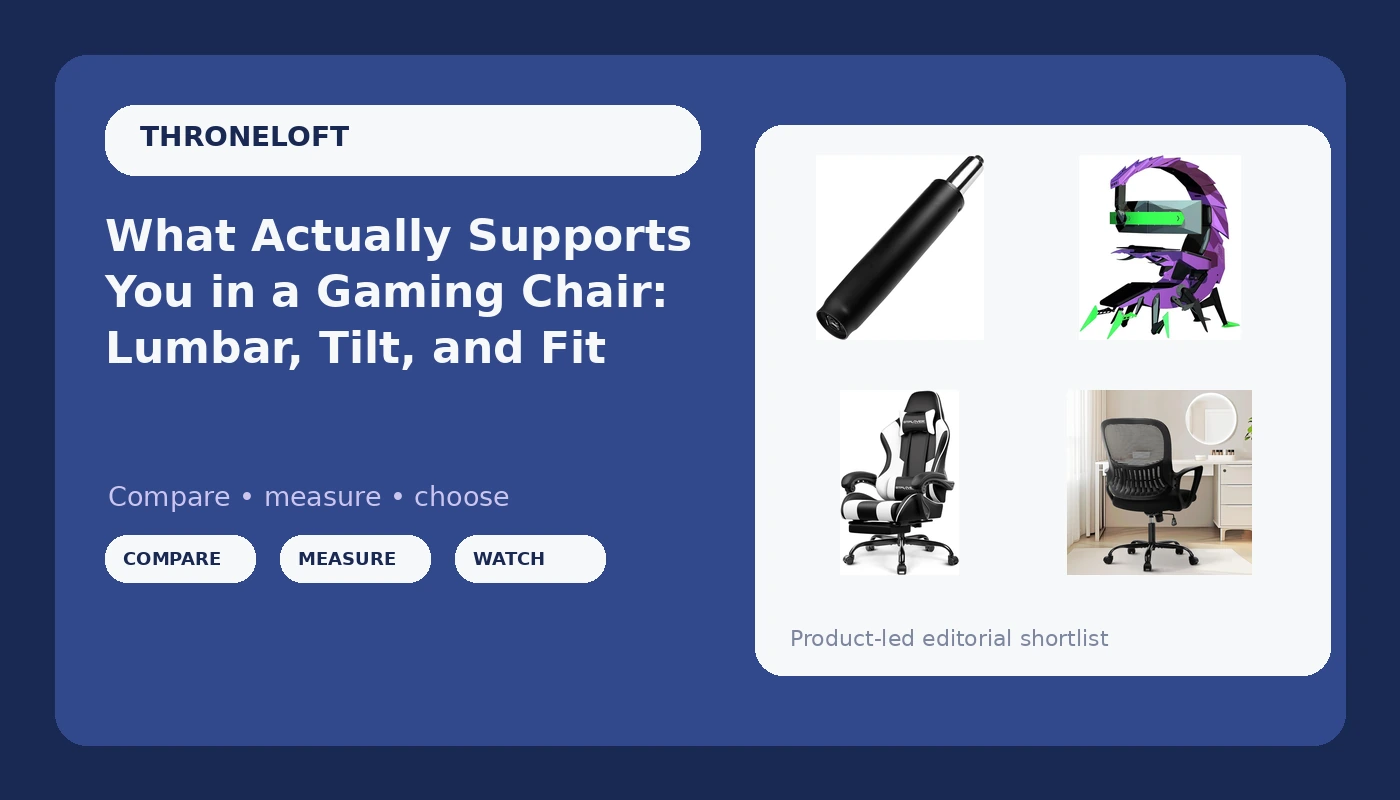
Most chairs fail people the same way, and it never happens on day one. The first hour feels fine. Then hour five arrives, your lower back starts negotiating with gravity, your shoulders roll forward because the armrests sit two inches too low, and you shift onto one hip without noticing. Gaming chair lumbar support is the phrase everyone reaches for, but the useful question is narrower: can that support be moved to match your spine, or is your spine expected to match the chair? This explainer covers what a chair can and cannot fix, what the adjustment specs actually mean once you are sitting in them, and four products that solve four different problems. One is an enclosed cockpit workstation with a built-in table. One is a replacement gas lift for a chair that has started to sink. One is a budget executive chair for desk hours. One is a reclining gaming chair with a footrest. Different problems, different answers.
Related: Mesh vs Foam: Which Gaming Chair Material Survives Summer →
Quick answer
Support comes from adjustment range, not from styling. A chair that lets you set lumbar height, lock the tilt at a healthy angle, and raise the armrests to elbow height will fit more bodies than one with a fixed curve and a race-car silhouette. If your current chair still fits your body but sinks or refuses to hold height, the gas lift cylinder is usually the failed part, and replacing that cylinder is the least expensive route back to a working chair. If you want one structure for a multi-screen setup, a cockpit-style chair with an integrated table covers that use case. If you want a recliner with a footrest and headrest, a gaming chair with those features covers it. If you want a simple supportive chair for office hours, a managerial executive chair covers that. Each of these is the right shape for a specific setup, and none of them is the right shape for every setup.
Four useful options
| Model | Best fit | What stands out |
|---|---|---|
| Gaming Ergonomic Computer Cockpit Chair with Led Lights, Multi -Screen Encoding Cabin Workstation Office Cockpit Gaming Station Video Gaming Chair Computer Table (C) | One-station multi-screen setups | Enclosed cockpit cabin design with LED lighting and an integrated computer table |
| 5" Chair Hydraulic Cylinder Replacement for Office Chair Gas Lift Cylinder | Chairs that sink or will not hold height | A 5 inch replacement gas lift cylinder for office chairs |
| Sweetcrispy Home Office Managerial Executive Chair with Ergonomic Design | Desk work on a modest budget | Ergonomic managerial design built for home office use |
| GTPLAYER Gaming Chair, Computer Chair with Footrest and Lumbar Support, Height Adjustable Game Chair with 360°-Swivel Seat and Headrest and for Office or Gaming (Pearl White) | Reclining sessions with a footrest | Footrest, headrest, lumbar support, height adjustment, 360° swivel |
The cockpit build: Gaming Ergonomic Computer Cockpit Chair with Led Lights, Multi -Screen Encoding Cabin Workstation Office Cockpit Gaming Station Video Gaming Chair Computer Table (C)
This is a different category of product from a standard gaming chair, and the trade-off follows from that. You are buying structure, not just a seat, so floor space and ceiling clearance matter as much as the seat itself. An enclosure also constrains how you can move, which is fine for a fixed workstation and less fine if you like to push back and stretch mid-session. Verify the listed dimensions and the supported screen arrangement against your room before committing, and check whether the seat inside the cabin offers the adjustment range you need, because an enclosure does not automatically fix posture on its own.
The repair part: 5" Chair Hydraulic Cylinder Replacement for Office Chair Gas Lift Cylinder
A sinking chair is usually a mechanical failure, not a sign that the whole chair is finished. If the frame, seat, and back still fit you, swapping the cylinder is the reasonable move. The catch is fit: cylinders come in different diameters and lengths, and the listed length is only one of the numbers that has to match. Measure the old cylinder and check the seat post diameter before ordering. Removing a seized cylinder can also take real effort, and a mallet plus patience is often part of the job.
The budget desk chair: Sweetcrispy Home Office Managerial Executive Chair with Ergonomic Design
Executive chairs tend to trade adjustment range for simplicity, so the honest question is which adjustments exist and which do not. If the lumbar area is a fixed shape, you are relying on seat height and recline to place your back correctly. That can work well for a workday of varied sitting, and it works less well if you need a specific lumbar height. Read the listing for what actually moves before you decide.
The reclining gaming chair: GTPLAYER Gaming Chair, Computer Chair with Footrest and Lumbar Support, Height Adjustable Game Chair with 360°-Swivel Seat and Headrest and for Office or Gaming (Pearl White)
The important distinction here is between a lumbar cushion and an adjustable lumbar mechanism. A cushion supports you when it sits in the right place; if it slides down or sits too high for your torso, it can push your pelvis forward instead. Check whether the cushion can be repositioned and whether the headrest lands at your neck rather than the back of your skull. The footrest is genuinely useful for reclined viewing and less useful when you need your feet flat for desk work, so treat it as a feature for one mode of sitting, not all of them.
Prices and availability may change. Product images, names, and retailer links are matched to their product listings. Do not state a current price, rating, stock status, or measured result without current evidence.
Why lumbar support has to be adjustable
The lower back curve is not a single shape that fits everyone. Lumbar lordosis varies by person, and the height at which you need support depends on how long your torso is relative to your legs. A fixed bump molded into a chair back lands correctly for a narrow range of bodies. Everyone else either slides forward to escape the pressure or slumps to get under it, and both of those undo whatever the chair was supposed to do.
An adjustable lumbar pad lets you move the apex of the curve up or down and often change how far it protrudes. That is what turns a general shape into a fit. When you are evaluating a chair, look for the mechanism itself: a slider, a dial, a strap, or a cushion you can reposition. If the only lumbar element is foam sewn under the upholstery, treat it as padding rather than support.
The second half of the equation is tilt. A locked, upright backrest is not automatically healthier. Slight recline opens the hip angle and takes load off the lower spine, which is why a chair that lets you lock the backrest at more than one angle is more useful than one that only reclines or only stays upright. Tilt tension matters too: if the chair pushes back harder than your body weight, you end up bracing with your legs to stay in place, and that is its own kind of fatigue.
Seat depth, height, and armrests: the fit checks that come before looks
Seat depth is the measurement most people never check and the one that causes the most quiet discomfort. If the seat is too long, the front edge presses into the back of your knees and you cannot sit fully back against the lumbar support. If it is too short, your thighs hang unsupported and the load concentrates in a smaller area. The practical test is a fist's width of space between the front edge of the seat and the back of your knee when your back is against the backrest.
Seat height decides whether your feet rest flat and your knees sit near hip level. Most gas lifts give a range, which is why a functioning cylinder is not a minor detail. A chair that will not hold its height is a chair you cannot set up correctly, no matter how good the rest of it is.
Armrests are the last piece and the one most often compromised. Armrests that only move up and down force your shoulders into whatever position the fixed width dictates. Armrests that adjust in more directions let you bring support to your elbows instead of pulling your elbows to the support. If you spend hours with a keyboard or a controller, that difference shows up in your neck and upper back long before it shows up anywhere else.
The order to work through:
- Set seat height so your feet are flat and your knees sit near hip level.
- Adjust seat depth or your sitting position so your back reaches the backrest with room behind the knees.
- Place lumbar support at the curve of your lower back, not at your mid-back or pelvis.
- Set tilt tension so the backrest holds you without you bracing against it, then lock a slight recline.
- Bring the armrests up to elbow height and inward until your shoulders can drop.
Practical guidance before you buy
- Measure your current chair's cylinder and seat post diameter before ordering a replacement, since length alone does not guarantee a fit.
- Confirm the seat height range suits your leg length; a chair that sits too high or too low cannot be fixed with a cushion.
- Check whether lumbar support is adjustable or fixed, and treat a fixed bump as decoration rather than support.
- Check the armrest adjustment directions, because two directions and four directions produce very different shoulder positions.
- For an enclosed cockpit workstation, measure floor space and clearance first, since the structure dictates the room, not the other way around.
Which option should you choose?
Choose the Gaming Ergonomic Computer Cockpit Chair with Led Lights, Multi -Screen Encoding Cabin Workstation Office Cockpit Gaming Station Video Gaming Chair Computer Table (C) when you want one structure to hold a multi-screen station and you have the floor space to give it. Choose the 5" Chair Hydraulic Cylinder Replacement for Office Chair Gas Lift Cylinder when your existing chair still fits but has started sinking or will not hold height. Choose the Sweetcrispy Home Office Managerial Executive Chair with Ergonomic Design when your hours are desk work and you want a straightforward executive chair rather than a racing silhouette. Choose the GTPLAYER Gaming Chair, Computer Chair with Footrest and Lumbar Support, Height Adjustable Game Chair with 360°-Swivel Seat and Headrest and for Office or Gaming (Pearl White) when you want a reclining chair with a footrest and headrest for long sessions.
One caveat that applies to all four: the listed features describe what each product includes, not how it will fit your specific body. Seat depth, cylinder diameter, cabin dimensions, and lumbar placement all need to be checked against your own measurements and your own room before you order.
The bottom line
A gaming chair earns its place by being adjustable enough to hold your back in a healthy position for hour six, not by looking fast in hour one. Lumbar height you can move, a tilt you can lock, armrests that reach your elbows, and a seat depth that lets your back touch the backrest are the features that do the work. If your current chair has those and has simply stopped holding height, a replacement cylinder is the cheap fix. If you are starting over, decide which problem you are solving first: a multi-screen station, a workday desk chair, or a reclining session chair. Match the product to the problem, then set it up properly once it arrives.