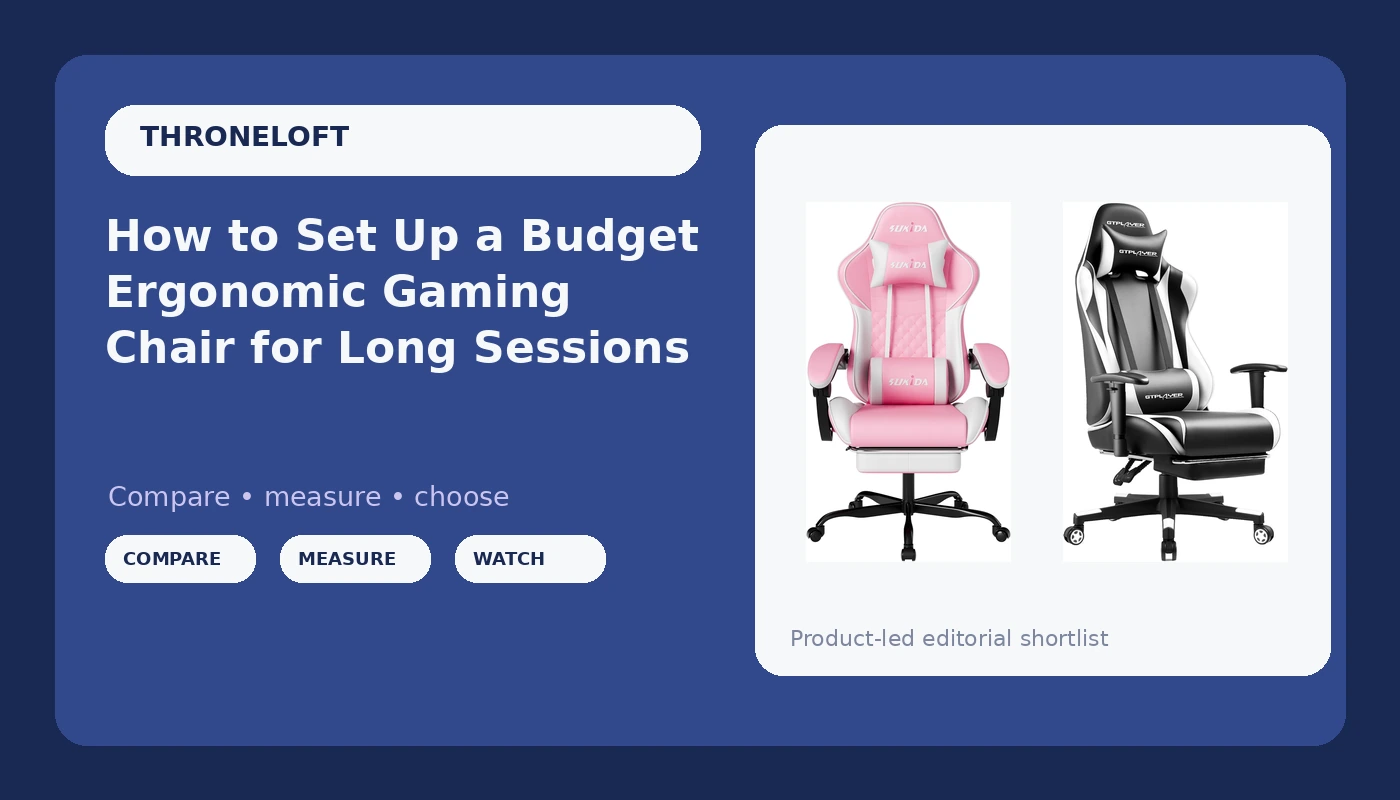
Most players who buy at the entry level get talked into a bucket seat with a racing stripe and then wonder why their lower back aches by hour three. A budget ergonomic gaming chair setup is not about the logo stitched into the headrest. It is about four adjustments, three measurements, and the discipline to actually make them on day one instead of leaving the lumbar pillow in the box.
I coach full time in Los Angeles, and before that I spent ten years grinding ten-hour practice days as a competitive FPS player. I have been through the chair that collapsed mid-match, the chair that looked like a race car and felt like a park bench, and the herniated disc scare at 24 that sent me to a physical therapist who rewrote how I think about sitting. Now I run posture checks with my roster the same way I run aim drills, because back pain ends careers and it does it quietly.
This is the setup process I walk my players through, plus the two entry level chairs I point them toward when the budget is real and the desk is small. Neither one is a six hundred dollar throne. Both can be made to work if you set them up properly, and both will wreck you if you do not.
Why you should trust me
I have not sat in every chair sold online and I am not going to pretend I have. What I do have is a decade of marathon sessions, a physical therapist who taught me what support actually means, and a coaching job where I watch eight players sit badly for eight hours a day. I know what a fixed lumbar bump does to a spine over a season. I know which "ergonomic" claims on a product page survive contact with hour six.
My rules are simple. No support claim without checking whether the lumbar actually adjusts. No recommendation without a real height and weight fit check. No chair gets called good because it looks good. For the record, I still like how a racing style chair looks. That is exactly why I do not trust my own eyes on this.
The checklist I run before a chair gets recommended
Four things decide whether a chair is a tool or a toy.
Adjustable lumbar, or nothing. A fixed bump welded into the backrest hits some people at the right spot and misses everyone else. What you want is a support you can slide up and down, or a loose cushion you can place yourself. That is the single biggest difference between a chair that helps and a chair that just has the word lumbar on the box.
Tilt tension and a lock. If you cannot lean back and lock the chair at the angle that supports you, you will spend the day fighting it and end up perched forward with your shoulders rolled. A lock matters more than a fancy recline range.
Armrests that move in more than one direction. Up and down only is not enough. You want to be able to bring the armrests in under your elbows so your shoulders stay down instead of hiking toward your ears. On a tight budget you will rarely get full multi axis armrests, so you compensate by getting the chair close enough to the desk that your forearms rest on the desk edge instead.
A seat depth that fits your legs. Too long and the front edge digs into the back of your knees, which pushes you forward into a slouch. Too short and your thighs hang with no support. You want roughly two fingers of space between the seat edge and the back of your knee.
Everything else, the color, the stitching, the shape of the backrest, is decoration. Nice decoration sometimes, but decoration.
The two entry level chairs worth a look
Both of these sit at the bottom of the price ladder, and both give you the pieces you need to build a working setup: height adjustment, a swivel base, a headrest, and some form of lumbar support. Here is how they differ and who each one fits.
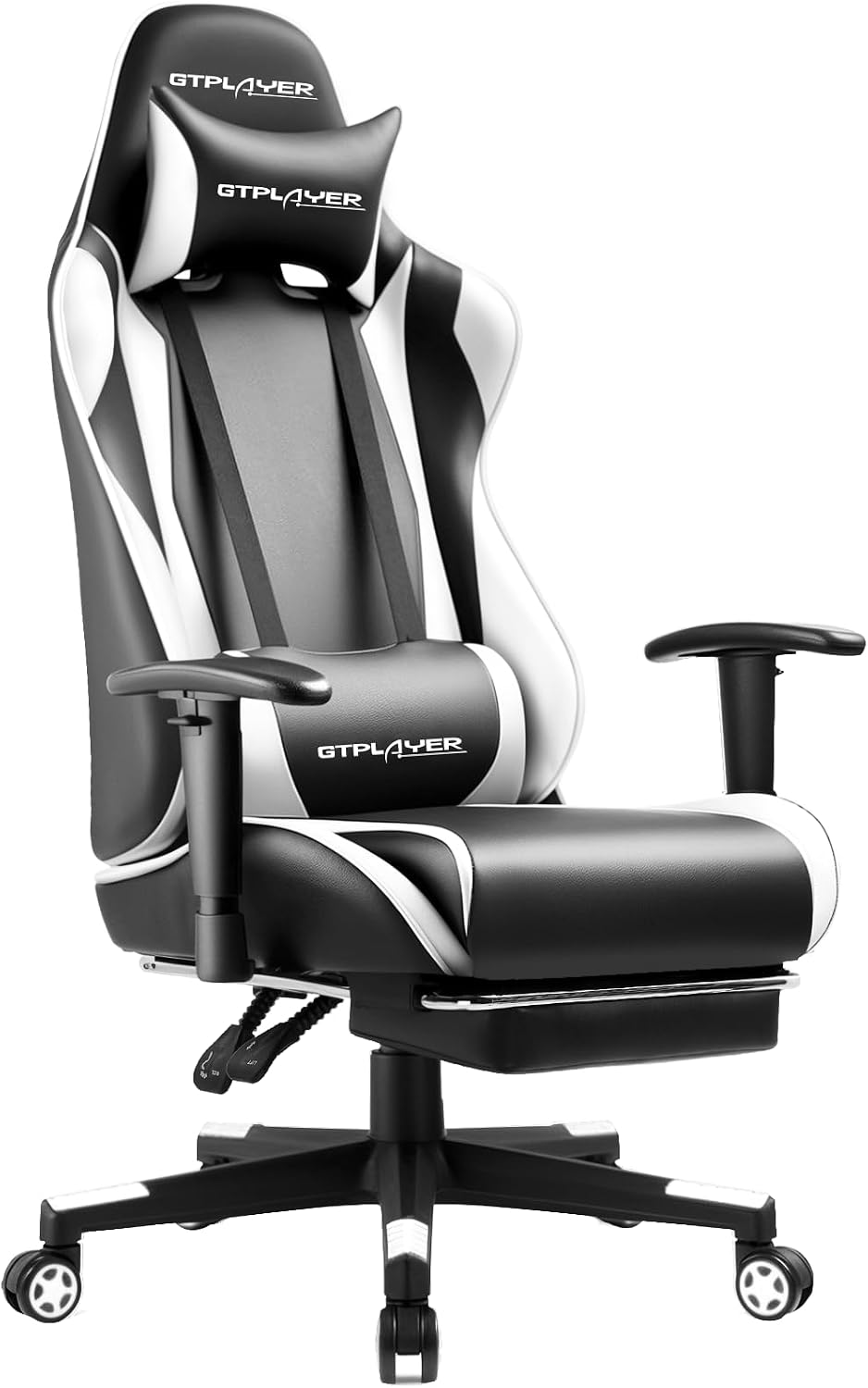
Footrest pick: GTPLAYER Gaming Chair with Footrest, Ergonomic Computer Game Desk Chair, Reclining Gamer Chair Seat Height Adjustment, Swivel Rocker with Headrest and Lumbar (White)
 Visit on Amazon →
The footrest is the reason this one made the list. When you recline, a footrest lets your legs stay supported instead of dangling, and that changes how much of your weight lands on your lower back. If you take breaks mid-session by leaning back for ten minutes at a time, this is the feature you will actually use. It also reclines, rocks, swivels, and adjusts for seat height, with a headrest and a lumbar cushion in the box.
Two honest caveats. First, the lumbar here is a cushion, not a built in adjustable mechanism, which means it is only as good as where you put it. Second, a footrest is a break tool, not a work posture. Do not spend six hours reclined with your feet up and call it ergonomics. Set the chair upright for play, lean back with the footrest for breaks.
The white finish is a commitment. If you eat at your desk, you already know how that story ends.
Check current Amazon price before you decide, and measure your desk height first. Anyone who takes real breaks during long sessions and wants a recliner that still rolls under a desk should look here first.
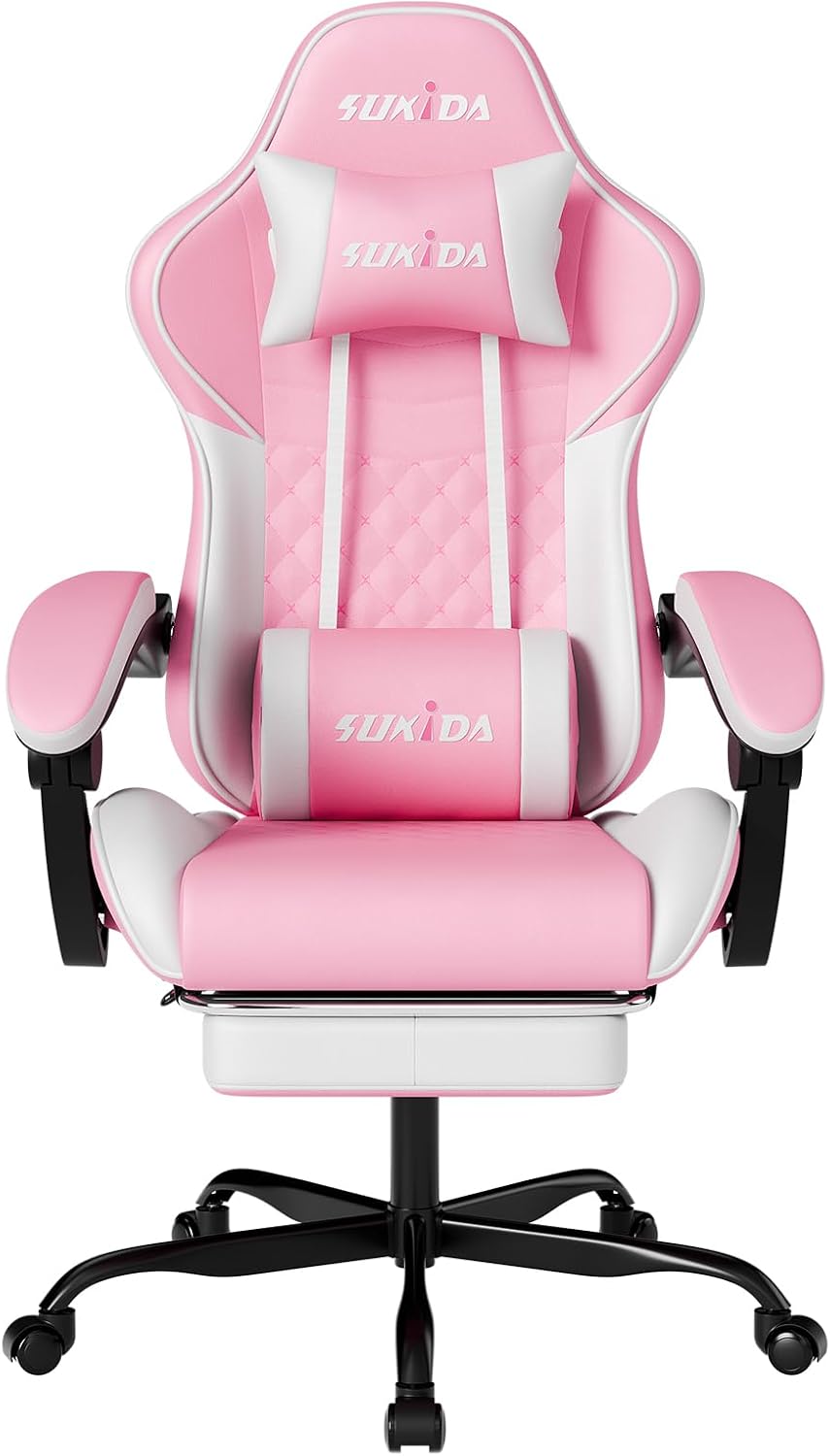
Massage lumbar pick: Ergonomic Video Gamer Chairs Gaming Computer Chairs Gamer Chairs for Adults Massage Lumbar Support Swivel Height Adjustable Headrest Backrest
 Visit on Amazon →
This one leads with a massage lumbar support, plus a height adjustable frame, a headrest, and a backrest you can set up around your own spine. The massage function is a nice thing to have after a long scrim block, and I would treat it exactly that way: a recovery feature, not a posture fix. Vibration does not hold your lumbar curve. Placement does.
So the first thing you do with this chair is ignore the massage button and spend ten minutes getting the lumbar piece at your belt line. If it sits high, behind your shoulder blades, it will push your upper back forward and make everything worse. Then check the height adjustment range against your desk before you commit, because a chair that cannot drop low enough will have you sitting with your knees above your hips all day.
Between the two, this is the pick for someone who wants the massage feature and a straightforward adjustable frame without a footrest hanging around under the desk. Check current Amazon price and compare it against the GTPLAYER before you pick, since the difference between them is a feature choice, not a quality tier.
The setup workflow, step by step
Do this once, properly, and you will not think about it again for months.
Step one: Measure your desk first. Sit at your desk, let your shoulders relax, and measure from the floor to the underside of the desk surface. Write it down. Every adjustment below is downstream of this number.
Step two: Set seat height. Raise or lower the seat until your feet sit flat on the floor and your knees land near 90 degrees. If the chair will not go low enough, you need a footrest under your feet, not a lower chair. If it will not go high enough, you need a cushion or a different desk.
Step three: Set seat depth. Slide your hips all the way back against the backrest. You want about two fingers of clearance between the seat edge and the back of your knee. If there is a gap the size of your hand, the seat is too deep for you and you will slide forward all day.
Step four: Place the lumbar. Find your belt line, not your mid back. That is where the curve of your lower spine actually lives. On a chair with a loose lumbar cushion, this means repositioning it every single day until you get in the habit. On a chair with an adjustable mechanism, dial it in and lock it.
Step five: Set the armrests. Bring them up until your elbows rest at roughly 90 degrees with your shoulders down. Then bring them in until your forearms sit under your wrists. If your armrests only move up and down, set them at desk height and let the desk take your forearms.
Step six: Set tilt tension and lock. Lean back. If the chair throws you backward or fights you forward, adjust the tension. Then lock it at a slightly reclined angle, somewhere between 100 and 110 degrees, which takes pressure off your discs compared to a rigid upright.
Step seven: Set the headrest. It should touch the base of your skull, not the crown of your head. If it pushes your chin down, it is too low.
Step eight: Recheck after one hour. New chairs settle. The gas lift drops a few millimeters, the cushions compress, the lumbar slides. Run the whole checklist again after your first hour and you will catch all of it.
The fit check that matters more than the spec sheet
Nobody publishes this, so here it is. If you are under about five foot four, a lot of entry level gaming chairs will not drop low enough for your feet to reach the floor, and the seat will be deeper than your legs want. Plan on a footrest or a cushion. If you are over about six foot two, the headrest will land between your shoulder blades and the seat will feel short under your thighs, and you should be shopping a size up, not a price tier down.
Then check your floor. A swivel base on carpet grabs and drags. A chair mat fixes it and costs less than the chair. And check your desk again, because a chair that fits you perfectly still fails if your desk is two inches too tall.
Mistakes that wreck a good setup
Leaving the lumbar cushion in the box is the most common one. The second is locking the chair bolt upright for eight hours and calling it good posture. The third is setting the armrests too high, which hikes your shoulders up toward your ears and turns a two hour session into a headache. The fourth is buying for the look, which is how bucket seat racing designs keep selling to people who then complain about their lower back. The fifth is never standing up. No chair, at any price, replaces getting out of it every 45 minutes.
What this all costs
Both chairs here sit at the entry level, so check current Amazon price on each before you commit. Budget for the add ons too: a chair mat if you are on carpet, a lumbar cushion if the included one slides, and a footrest if your feet do not reach the floor. None of those are glamorous purchases, and all of them matter more than the color of the upholstery.
The math that actually counts is not the sticker. It is whether you spend the twenty minutes on setup. A cheap chair set up correctly beats an expensive chair set up wrong, every time, and I have watched both happen in the same practice room.
That is the job. Sit properly or do not sit long.